Payfair 2.5 — No Sign-Up Needed, Cross-Device Sync, and a Bolt & Hopp Fix
2026-07-26 · 3 min
Payfair 2.5 is here
The biggest change in this release is something you won't see: the sign-up screen. It's gone. Open the app and start comparing — no email, no phone number, no password. Alongside it: optional sync across your devices, one less permission, a simpler four-tab layout, and a fix that gets Bolt and Hopp sign-in working reliably again.
No sign-up. No account. Just open it.
Payfair used to ask for your email or phone number and a one-time code before it would show you a single fare. That's over. On first launch you land straight on the compare screen, and your phone quietly verifies itself in the background so the app can talk to our servers. Nothing personal is collected to make that happen — no email, no phone number, no password to remember or lose.
If that verification can't complete — a patchy connection, say — the app doesn't block you. The map and the rest of the interface keep working, and it quietly tries again next time you open Payfair.
Sync across devices — only if you want it
Dropping accounts shouldn't mean losing your history when you change phones. Under Settings → Sync across devices, one tap with your Google account claims your anonymous profile and carries your saved places, trip history, and savings totals to any other device you sign in on. It's entirely optional: skip it and everything stays on this one device.
We dropped the SMS permission
Earlier versions asked to read your text messages so we could auto-fill the one-time codes that ride apps send when you connect them. Convenient, but it's a broad permission for a small convenience. It's been removed — Payfair no longer requests SMS access at all. Type the code in yourself; it takes a couple of seconds.
A simpler four-tab layout
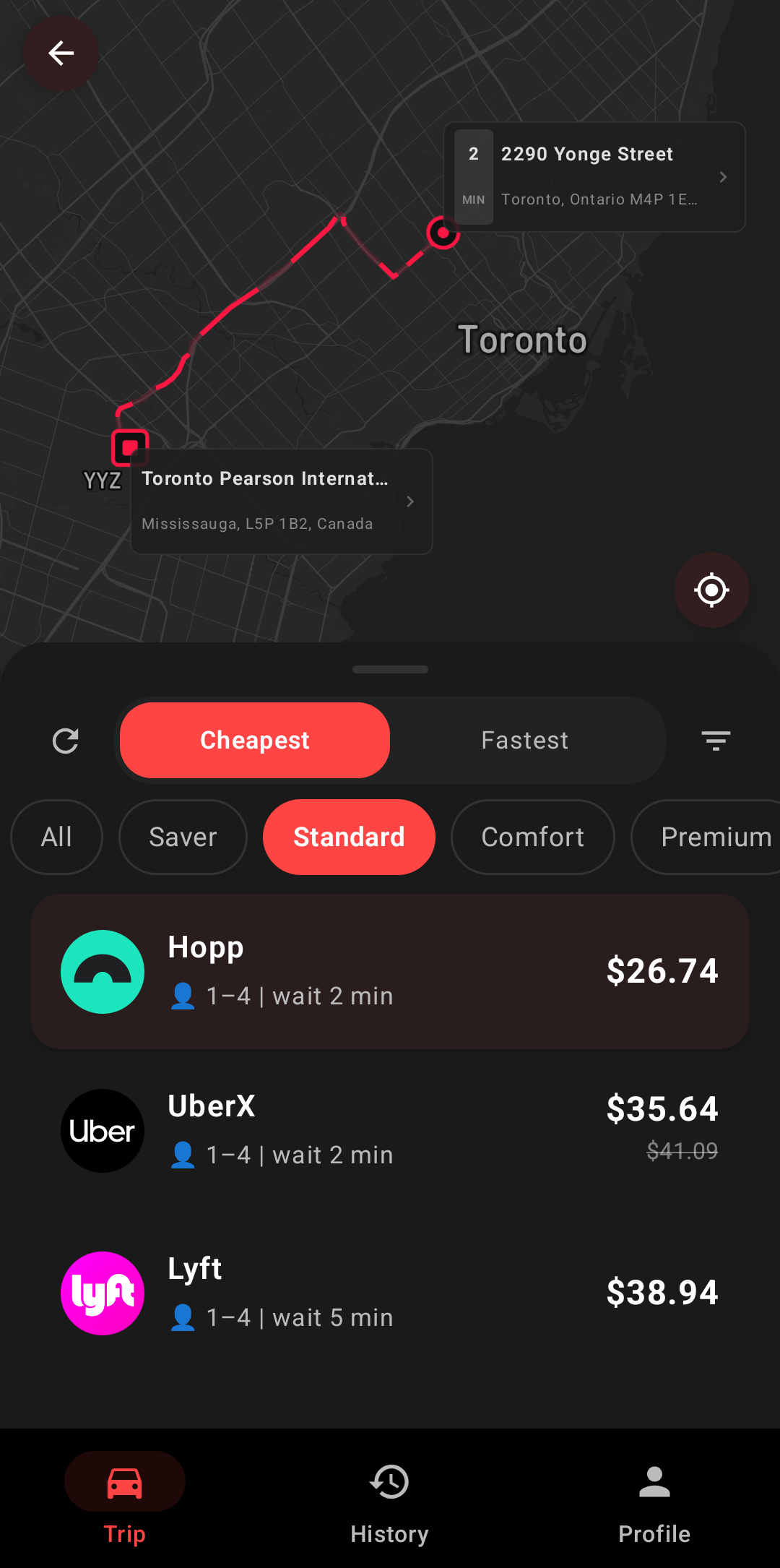
Navigation is now four tabs: Ride, Apps, History, and Settings. The separate profile screen is gone, and everything that lived there — your sync status, preferences, alert settings — now sits in Settings, where you'd think to look for it.
Connected apps, all in one list
The Apps tab used to hide your ride services behind a collapsible “Connected Ride Apps” section. Now every provider available in your country is visible the moment you open the tab, connected or not, so you can see at a glance what's linked and what's still worth adding.
One “Reset app data” action
Sign out and Delete account were two confusing buttons doing overlapping things when there was no real account behind either one. They've been replaced by a single Reset app data in Settings: it clears everything stored on the device and starts you fresh, as if you'd just installed the app.
2.5.1: Bolt and Hopp sign-in fixed
Connecting Bolt or Hopp had started failing before the verification code even arrived. Both services switched on an automated bot challenge that Payfair wasn't answering, so the request was rejected outright. 2.5.1 answers that challenge inside the app and retries the request — the code lands in your messages and sign-in completes the way it should.
Update now
Version 2.5.1 is available on Google Play. Update once and you'll never see a sign-up screen again.